Appearance
Import Page Templates
Steps
- Log in to your site as a SuperUser
- Navigate to the page where you want to import the template
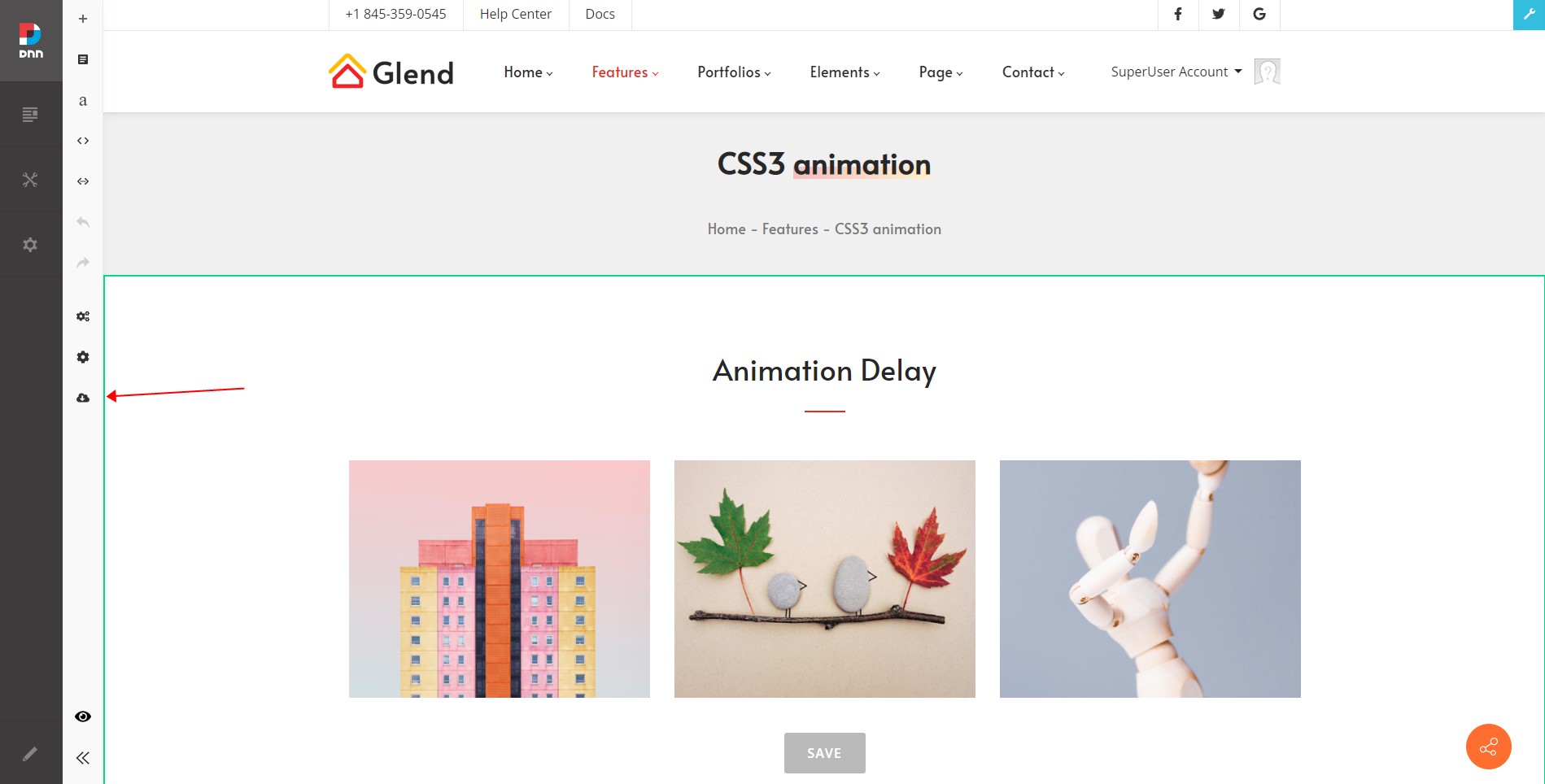
- Add the DNNGo ContentBuilder module to a Pane, then click the Import icon on the left side of the page
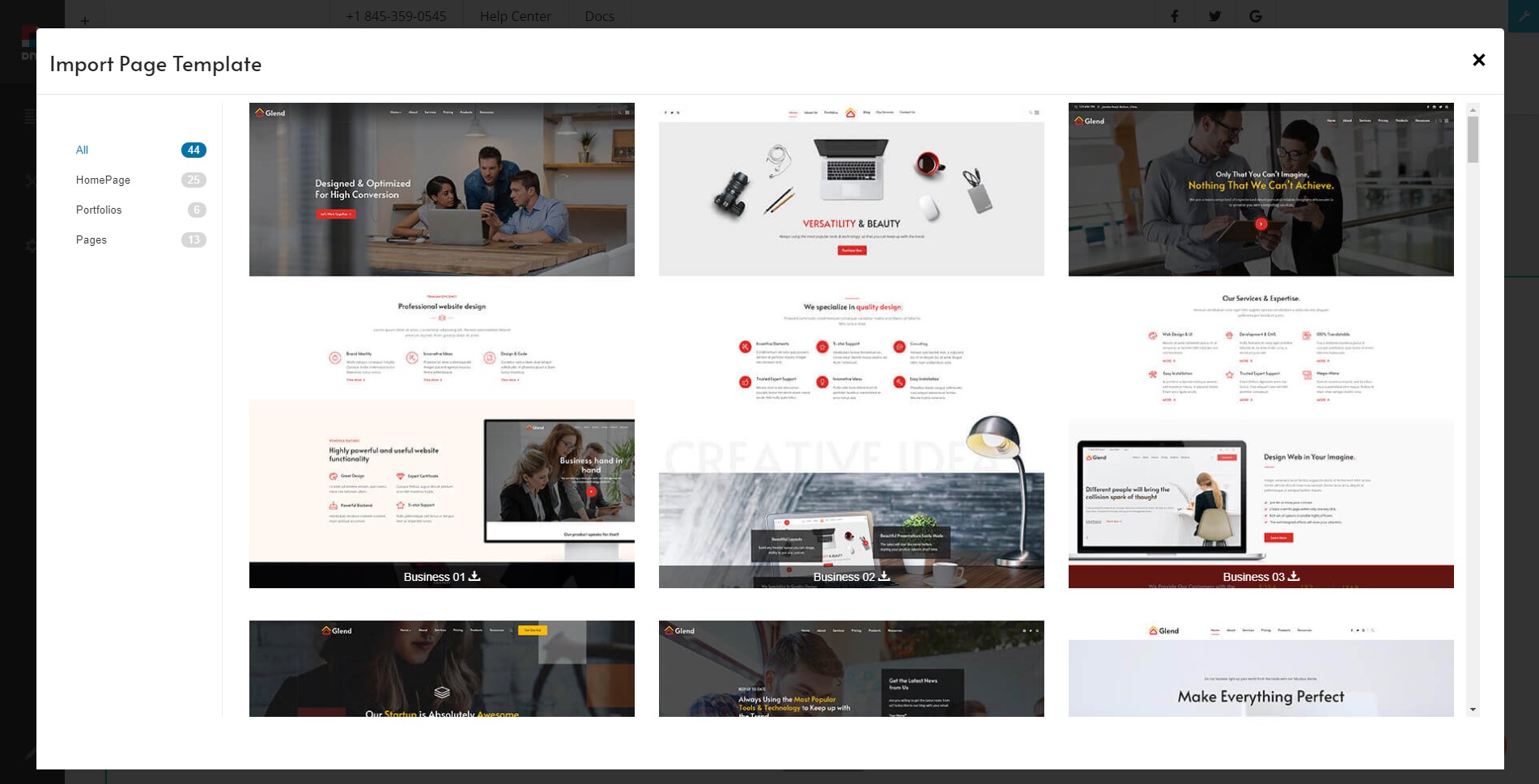
- Select a page template
Note
Importing a page template will overwrite the current page content.