Appearance
Footer Layouts
This theme includes all footer layouts used in the demo site. You can edit them or create your own layouts.
Note
Due to browser caching, your changes may not appear immediately after saving. Press Ctrl+F5 to refresh the page.
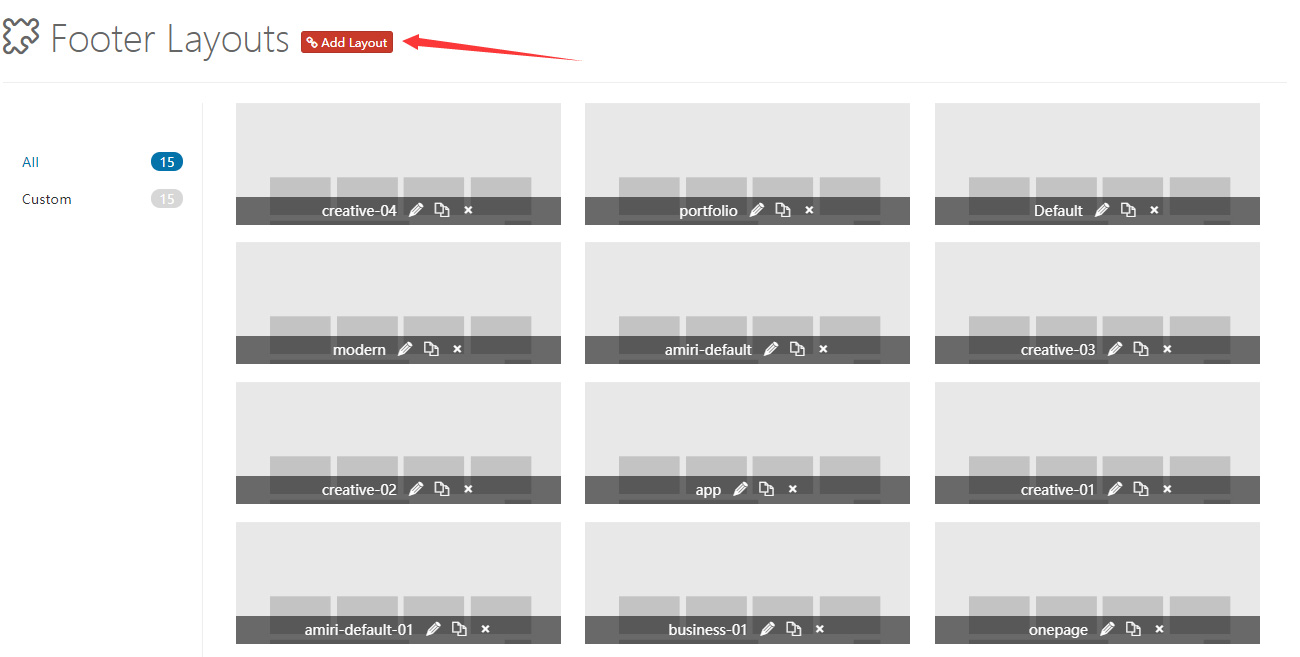
Control Panel Area
Click Add Layout to enter the footer layout control panel. The theme includes some default layouts that you can modify and delete. Don't forget to save when finished.
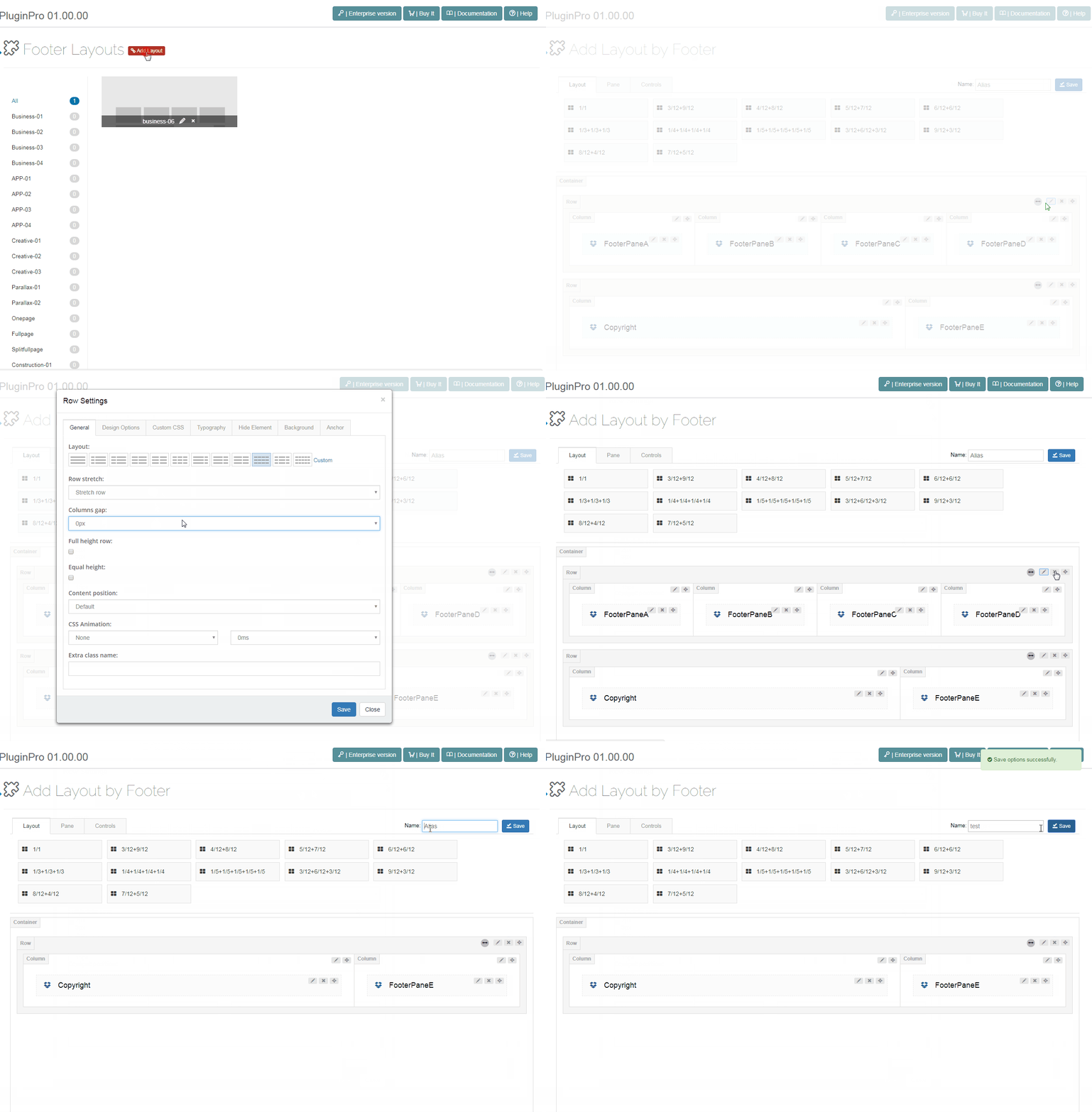
Pane & Layout
Similar to content layouts, you can create custom pane layouts.
Controls
Controls are custom modules that you can drag and drop to any position.
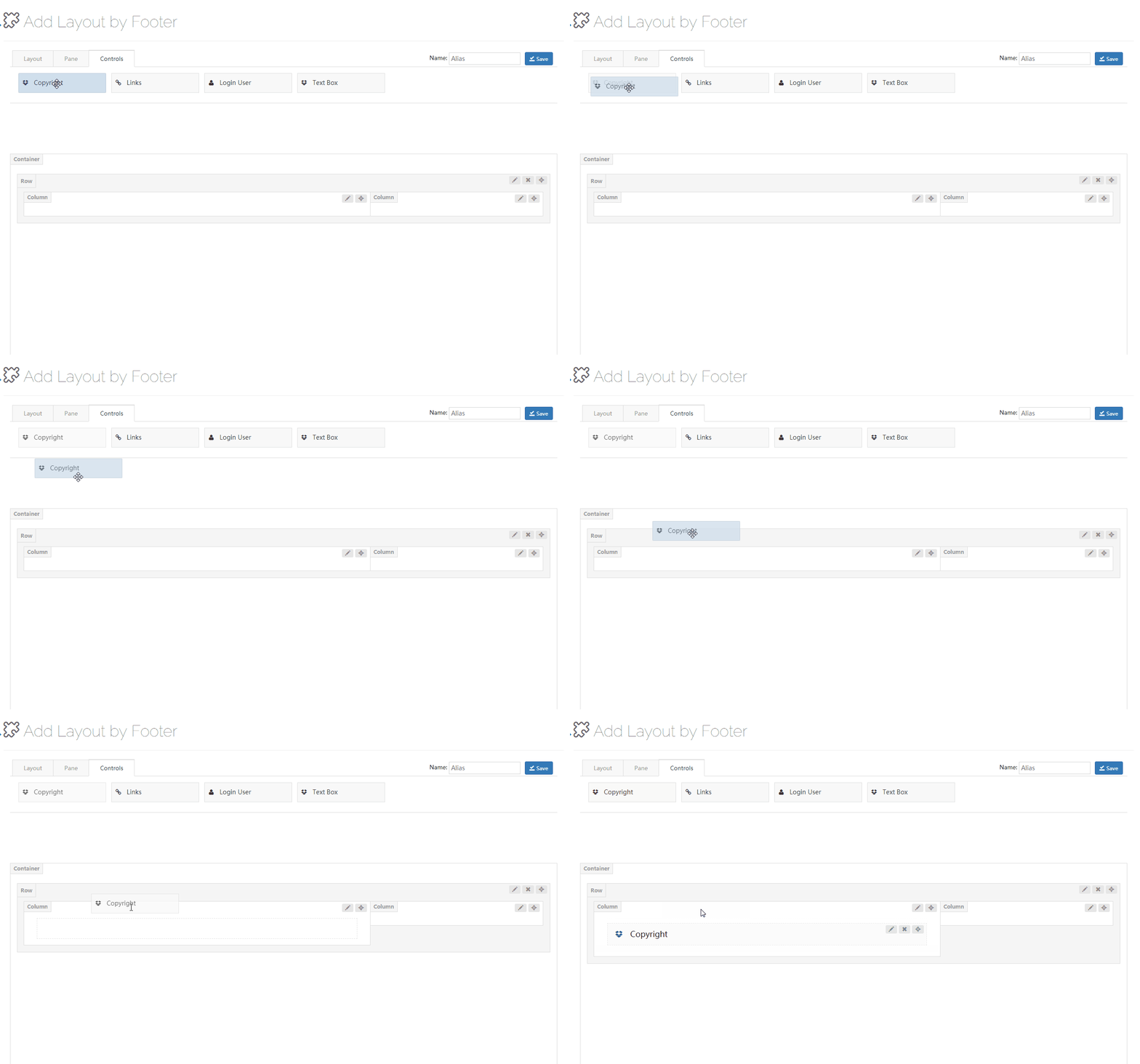
Copyright
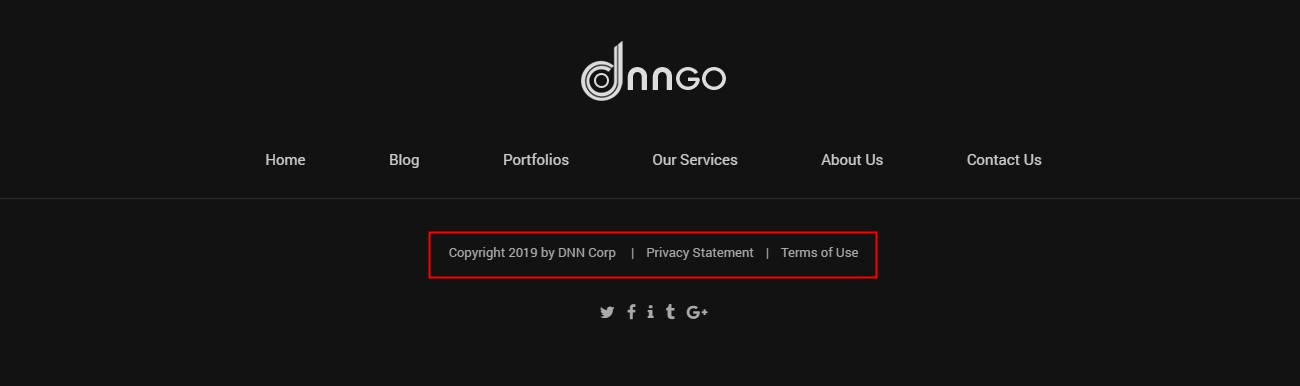
Use the Copyright control to display copyright information, privacy policy, and terms of use in the footer.
General
- Spacing — Set the left and right spacing

- Typography — Set the text style
- Item Hover Font Color — Set the text color when hovering over a link
Copyright Information
- Enable Copyright — Set whether to enable copyright information
Privacy Policy
- Enable Privacy Policy — Set whether to enable the privacy policy
- Text — Set the text content to display
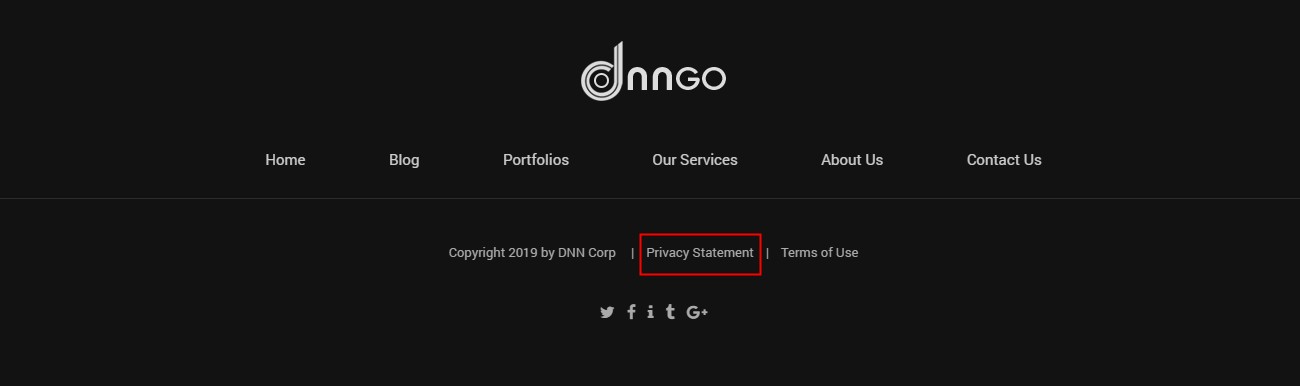
- Custom URL — Set the URL of the link
Terms of Use
- Enable Terms of Use — Set whether to enable the terms of use
- Custom Text — Set the text content to display
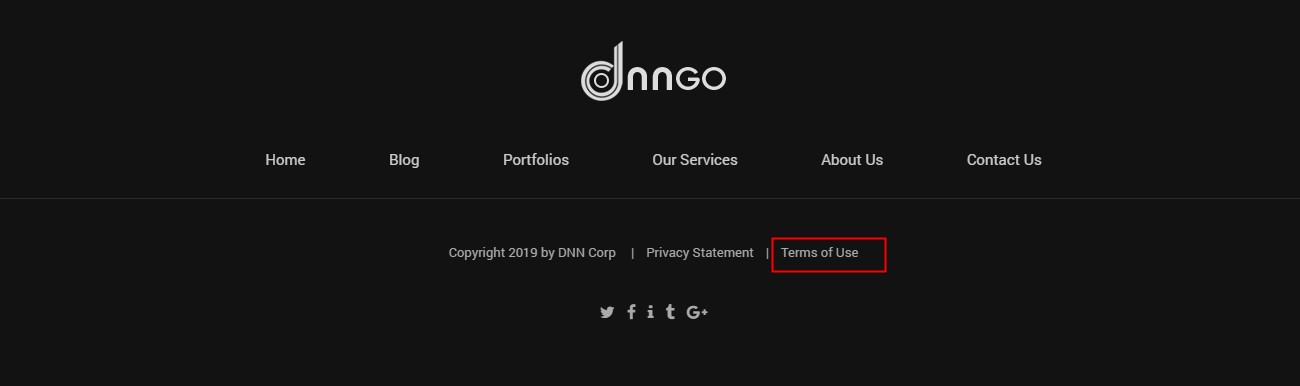
- Custom URL — Set the URL of the link
Links
Use the Links control to display first-level menu items in the footer.
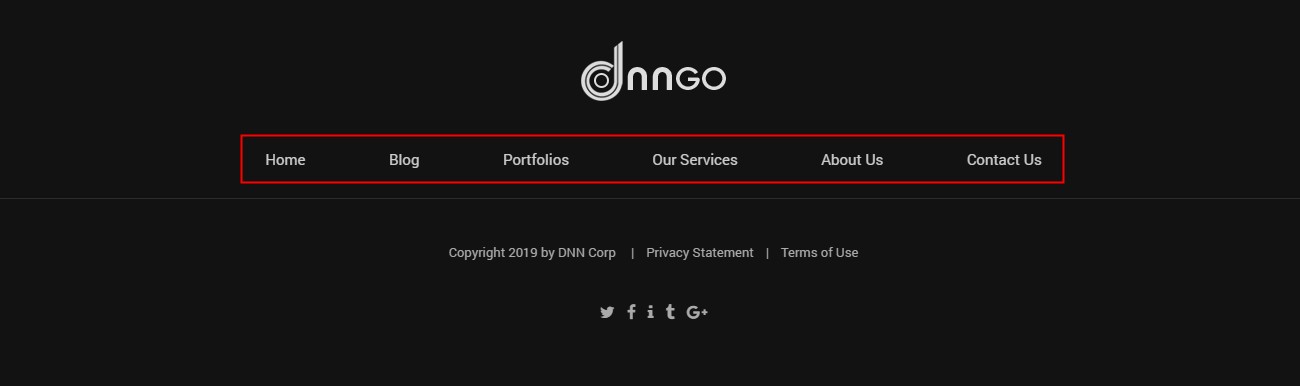
General
- Item Spacing — Set the left and right spacing between menu items

- Typography — Set the text style
- Item Hover Font Color — Set the text color when hovering
Login & User
Use the Login & User control to display login and registration links in the footer.

- Typography — Set the text style
- Item Hover Font Color — Set the text color when hovering
- Enable User — Set whether to enable the registration link
- Enable Login — Set whether to enable the login link