Appearance
Importing Page Templates
The page template import feature allows you to quickly apply preset layout structures and content to the current page, significantly reducing page building time.
Steps
- Log in to the website with an administrator account.
- Navigate to the target page.
- Add the DNNGo ContentBuilder module to the page.
- Click the Import icon in the ContentBuilder left toolbar.
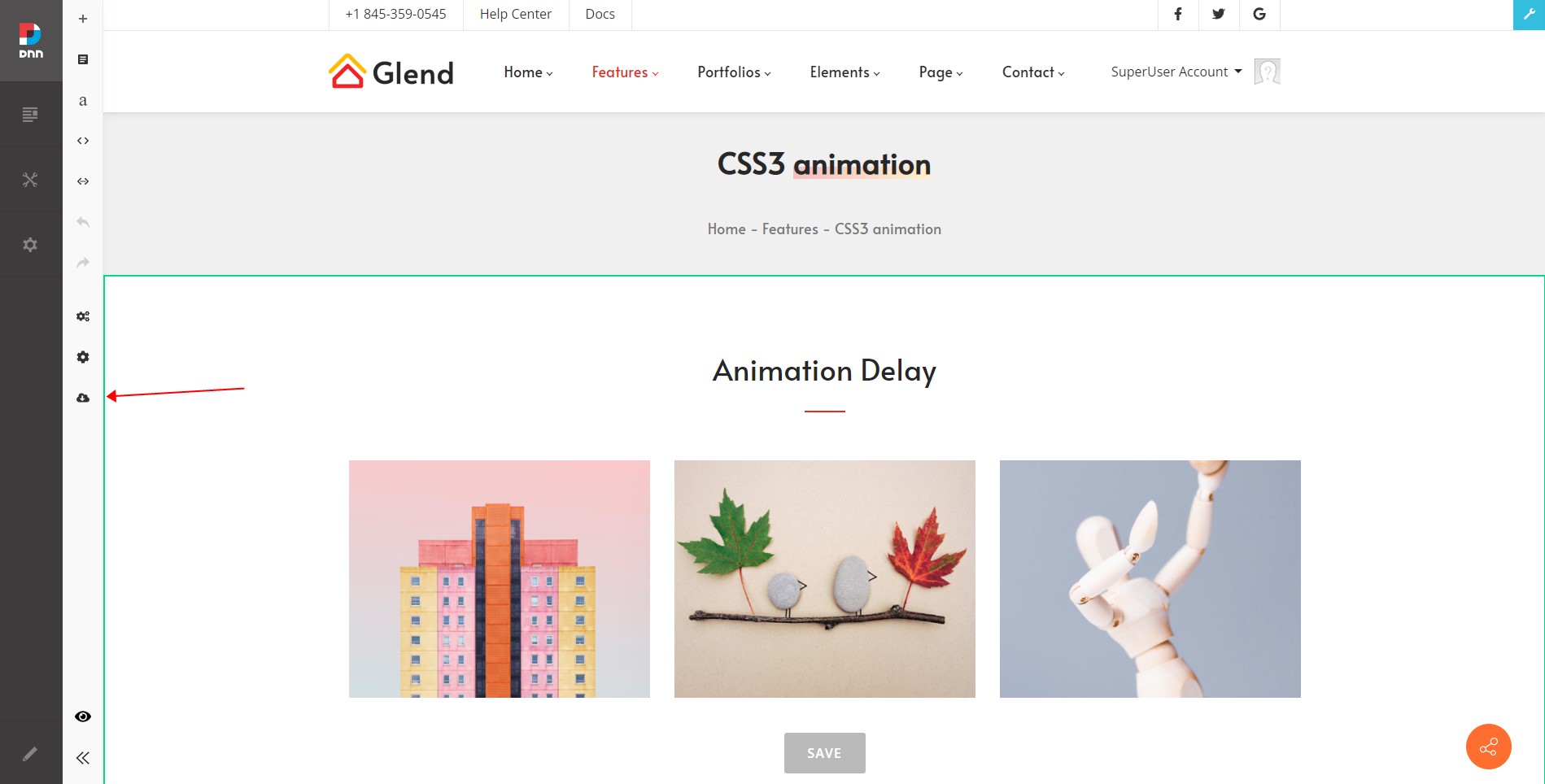
- Select the desired page template from the template list popup.
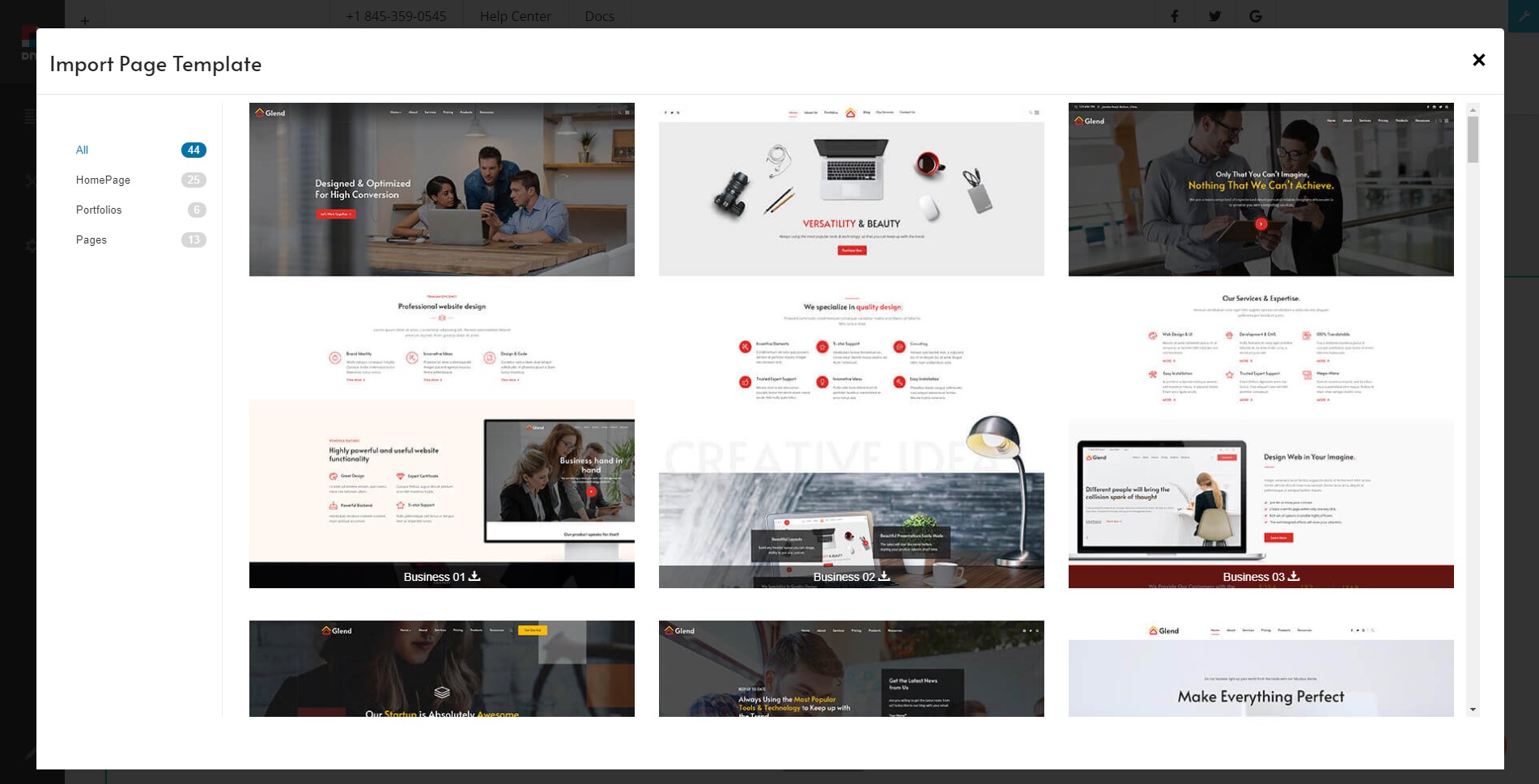
Important
The import operation will overwrite all content on the current page and cannot be undone. Please confirm that the current page content has been backed up or is no longer needed before performing the import.