Appearance
Setting Up Fixed Elements (Fixed Widget)
Fixed Widget is displayed as a floating button group pinned to the bottom-right corner of the page, providing users with social media quick links and a back-to-top button.
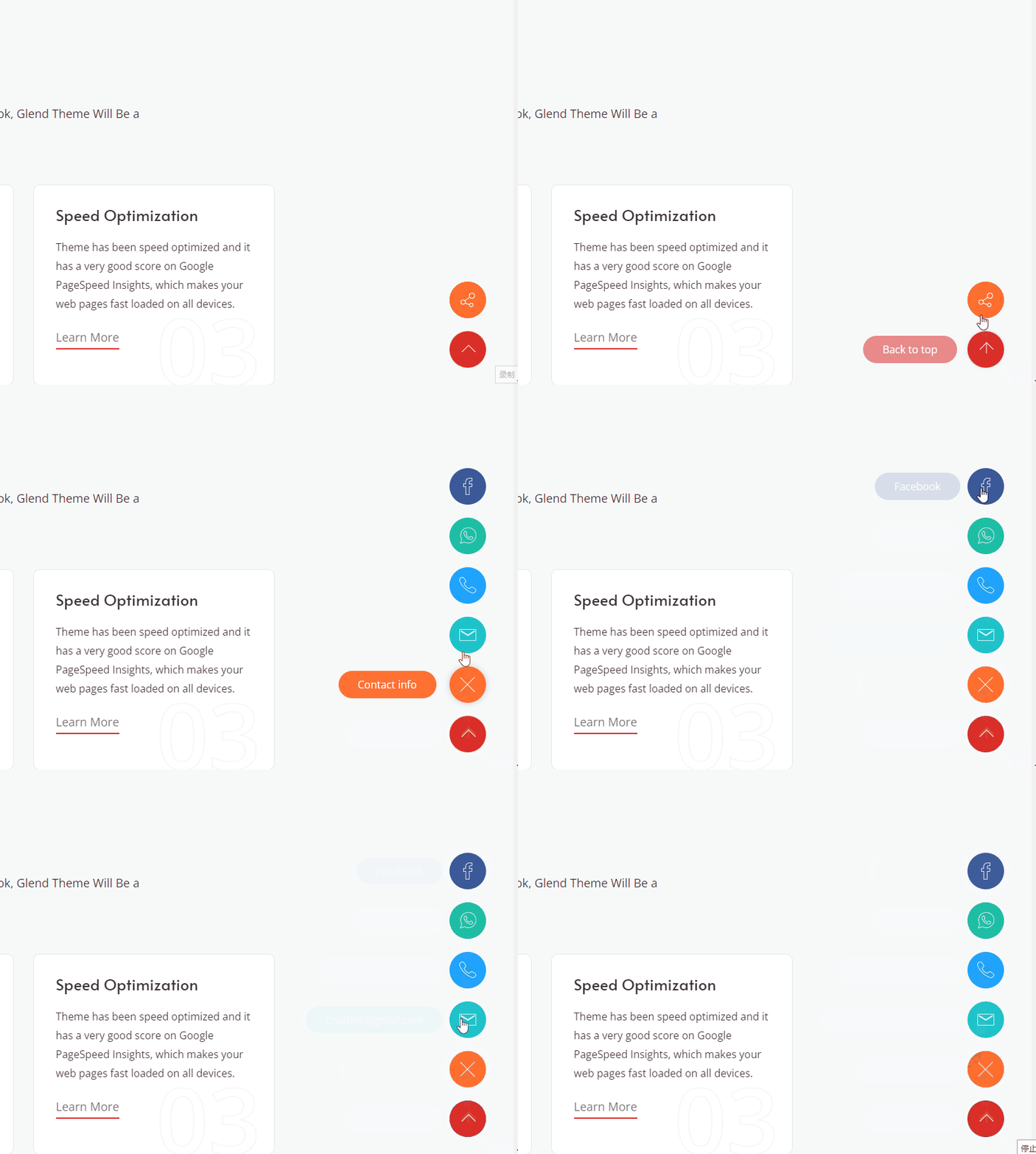
Configuration Options
- Log in to the website with an administrator account.
- Go to ThemePluginPro > Theme Options > Fixed Widget.
- Configure the following parameters as needed:
| Option | Description |
|---|---|
| Enabled Fixed Widget | Enable or disable the fixed widget feature |
| Social Media Icon | Configure the social media links to display and their icon styles |
| BackTop | Enable or disable the back-to-top button |
| BackTop Text | Customize the hover tooltip text for the back-to-top button |
- After configuration, click Save to save the changes.
Tip
The fixed widget appears on every page of the site, so we recommend enabling only the features your visitors will actually use.