Appearance
Setting Up Menu Icons
The Fiwetis theme includes thousands of built-in vector icons. You can configure icons for navigation menu items to enhance visual recognition and user experience.

Steps
- Log in to the website with an administrator account.
- Go to the ThemePluginPro > Pages tab.
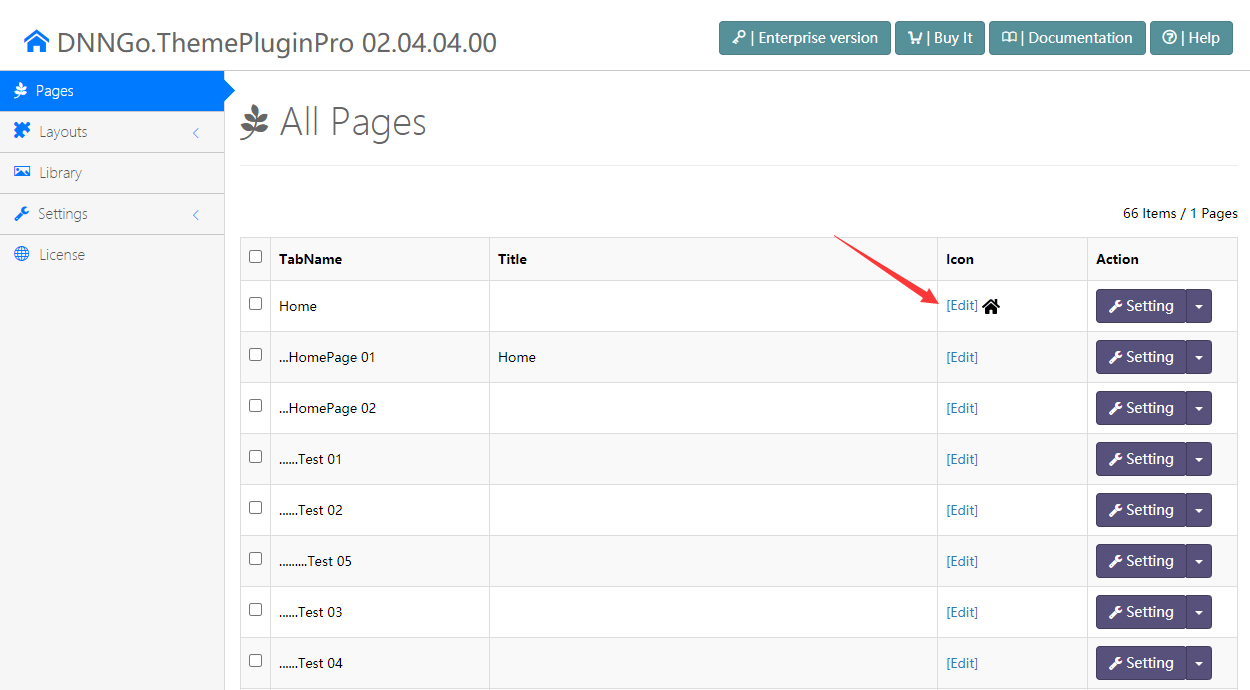
- Click the Edit button on the target menu item.
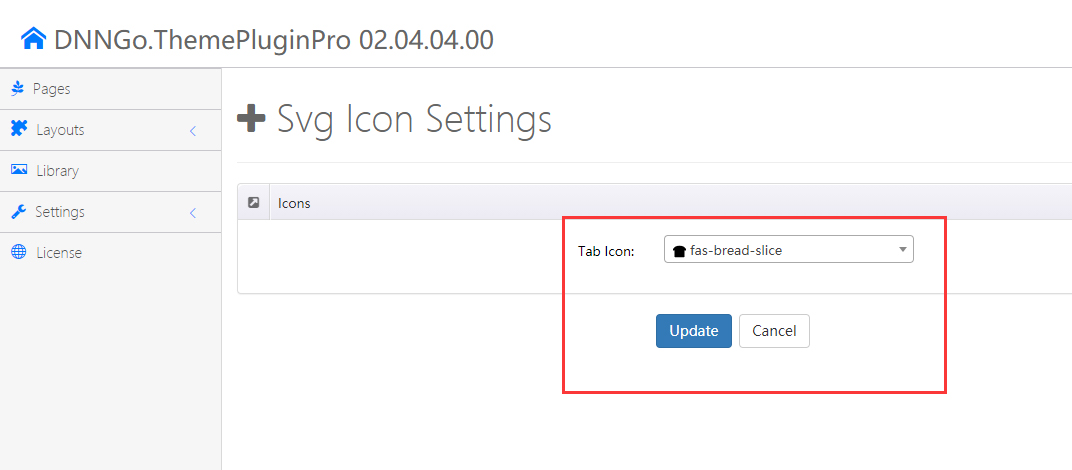
- Browse or search for the desired icon in the icon selector popup, then click Update to save.