Appearance
Improving Page Loading Speed
The Fiwetis theme achieves high scores in Google PageSpeed Insights tests. The following 5 optimization measures can further improve page loading performance.
1. Compress Image Assets
Images are typically the largest resources on a page. Using online compression tools can significantly reduce file sizes without sacrificing visual quality.
- Visit TinyPNG and upload the images you want to compress
- Download the compressed images and replace the originals on your website
2. Disable Unused Plugins
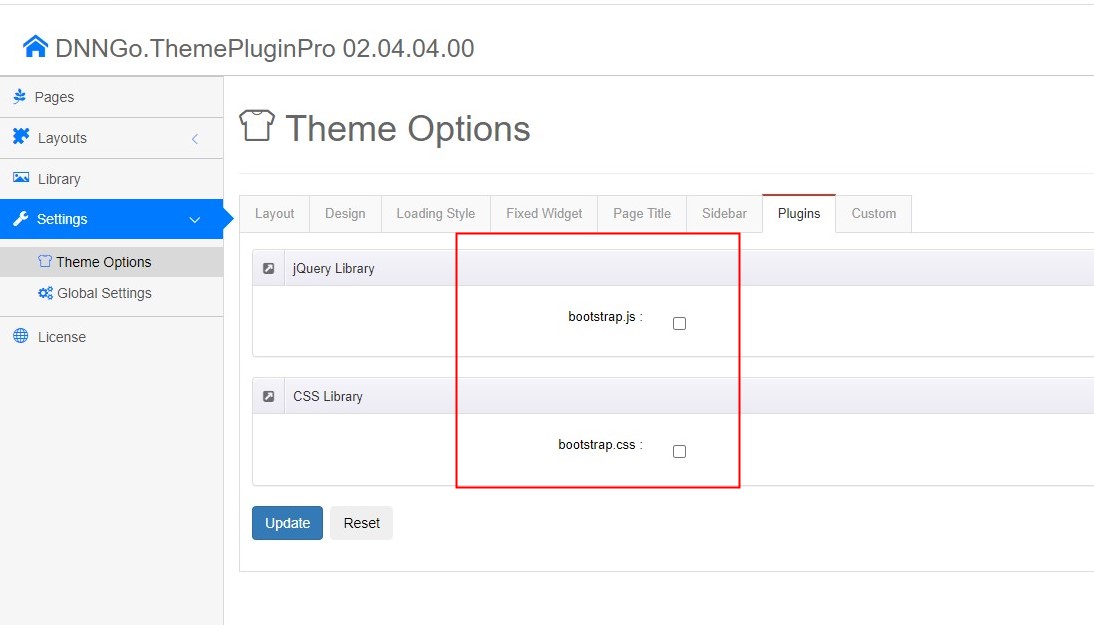
The theme includes multiple third-party plugins. Disabling plugins not used by the current site reduces unnecessary resource requests.
- Go to ThemePluginPro > Theme Options > Plugins.
- Turn off the plugins not used by the current site.
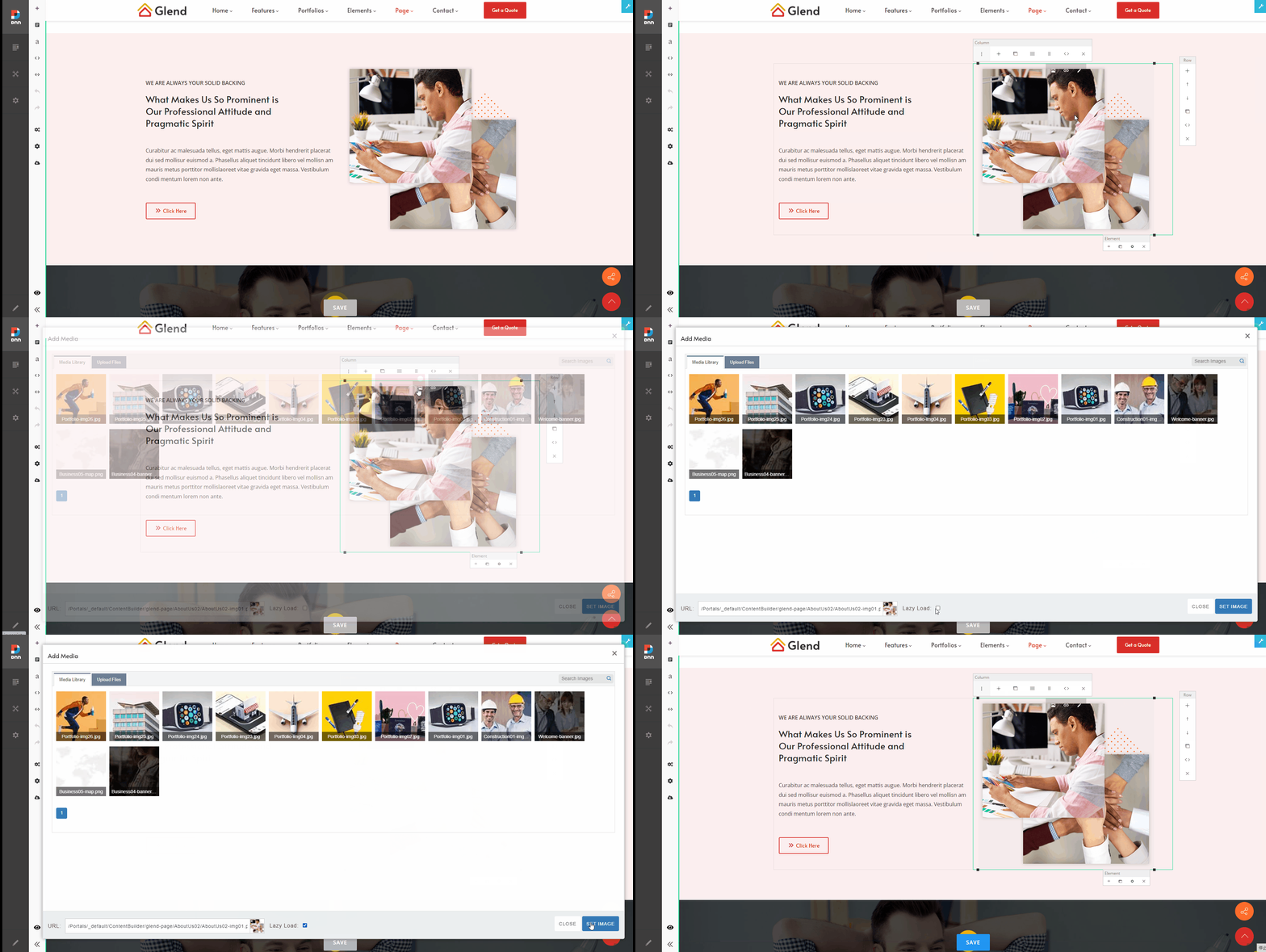
3. Enable Image Lazy Loading
Lazy loading ensures images are only requested when they enter the browser viewport, thereby reducing initial page rendering time.
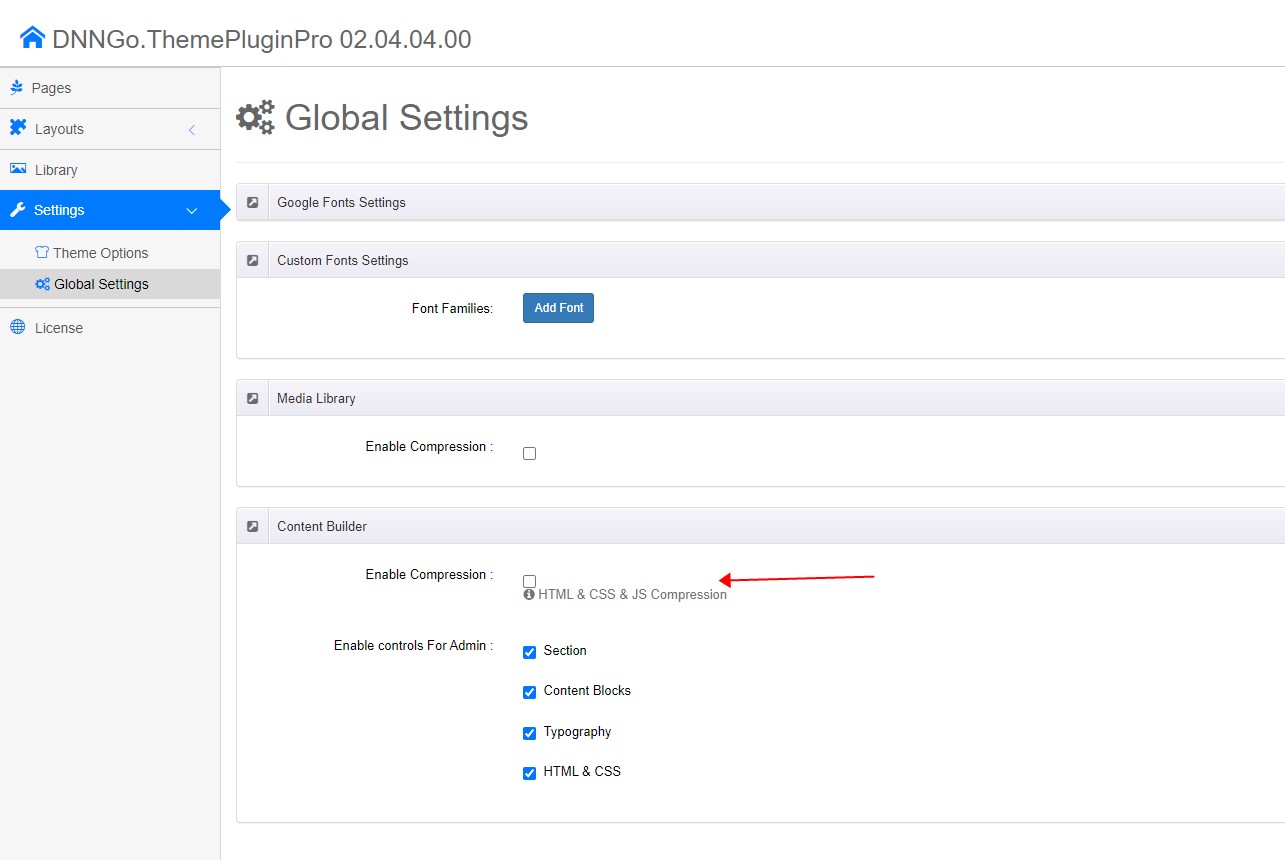
4. Enable Content Builder Output Compression
After enabling Content Builder compression, the page's HTML output will be transmitted in a compressed format, effectively reducing the amount of data transferred over the network.
- Go to ThemePluginPro > Global Options.
- Enable the compression feature in the Content Builder options section.
5. Enable DNN Resource Combination and Compression
The built-in resource compression feature of the DNN platform can combine and compress multiple CSS/JS files, reducing the number of HTTP requests and transfer size.
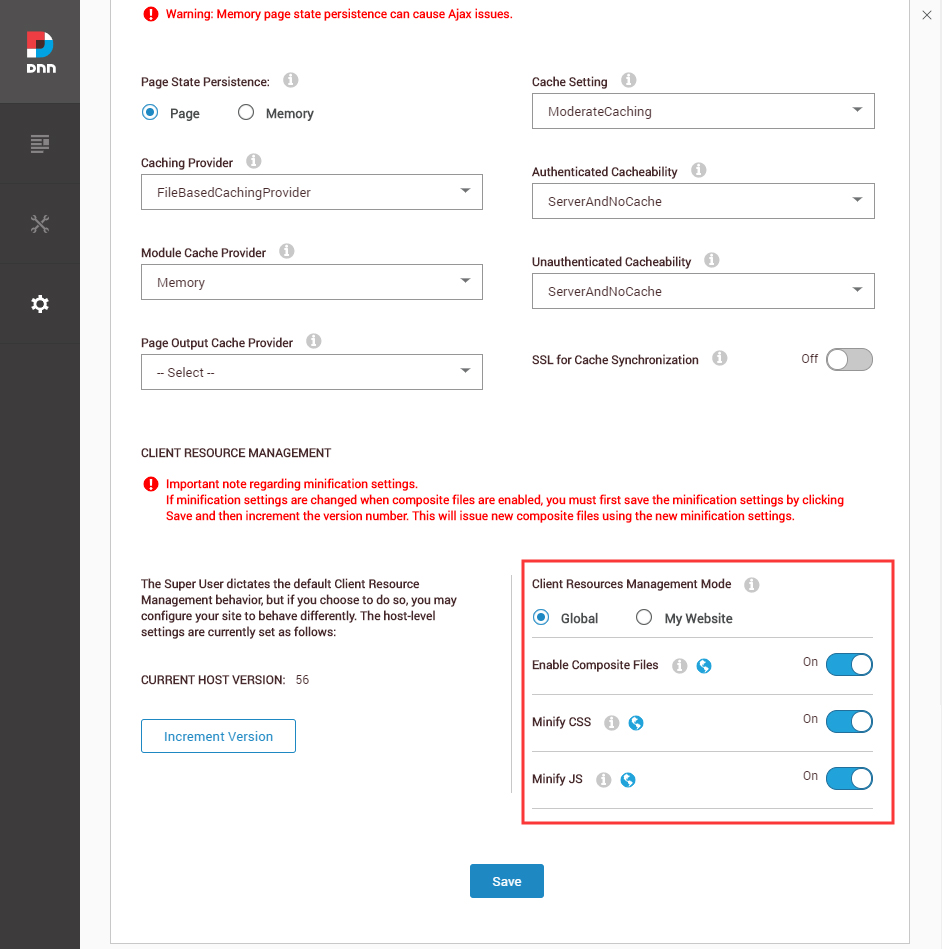
- Log in to the DNN backend with a superuser account.
- Navigate to Admin > Servers > Servers Settings > Performance.
- Enable the Composite Files (resource combination and compression) option.